Capture instantly
Area, window and full-screen capture with a calm floating preview.
Capture, edit and organize your work in one fast, local-first screenshot workspace.
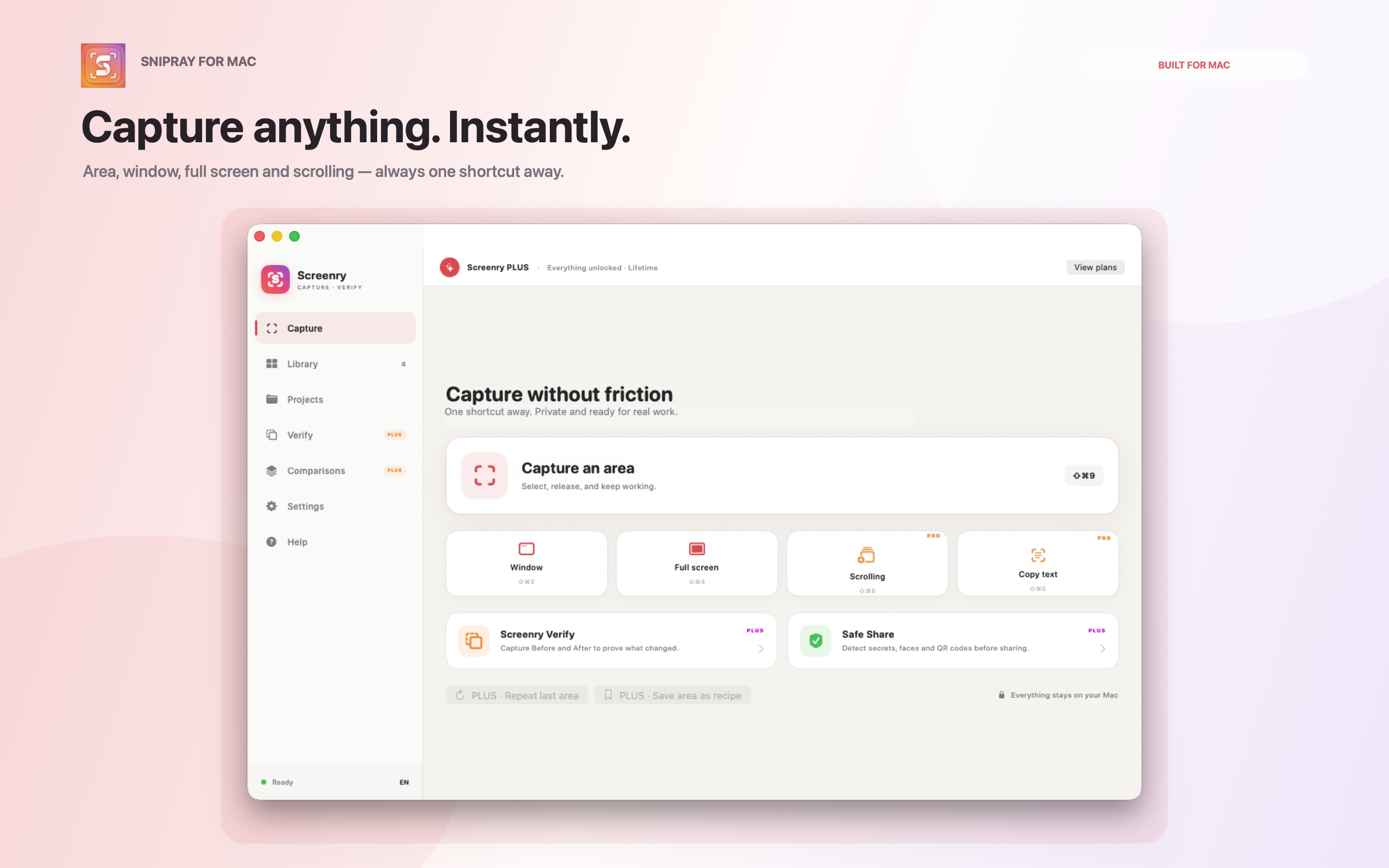
One place to capture, polish and find the moments worth keeping.
Area, window and full-screen capture with a calm floating preview.
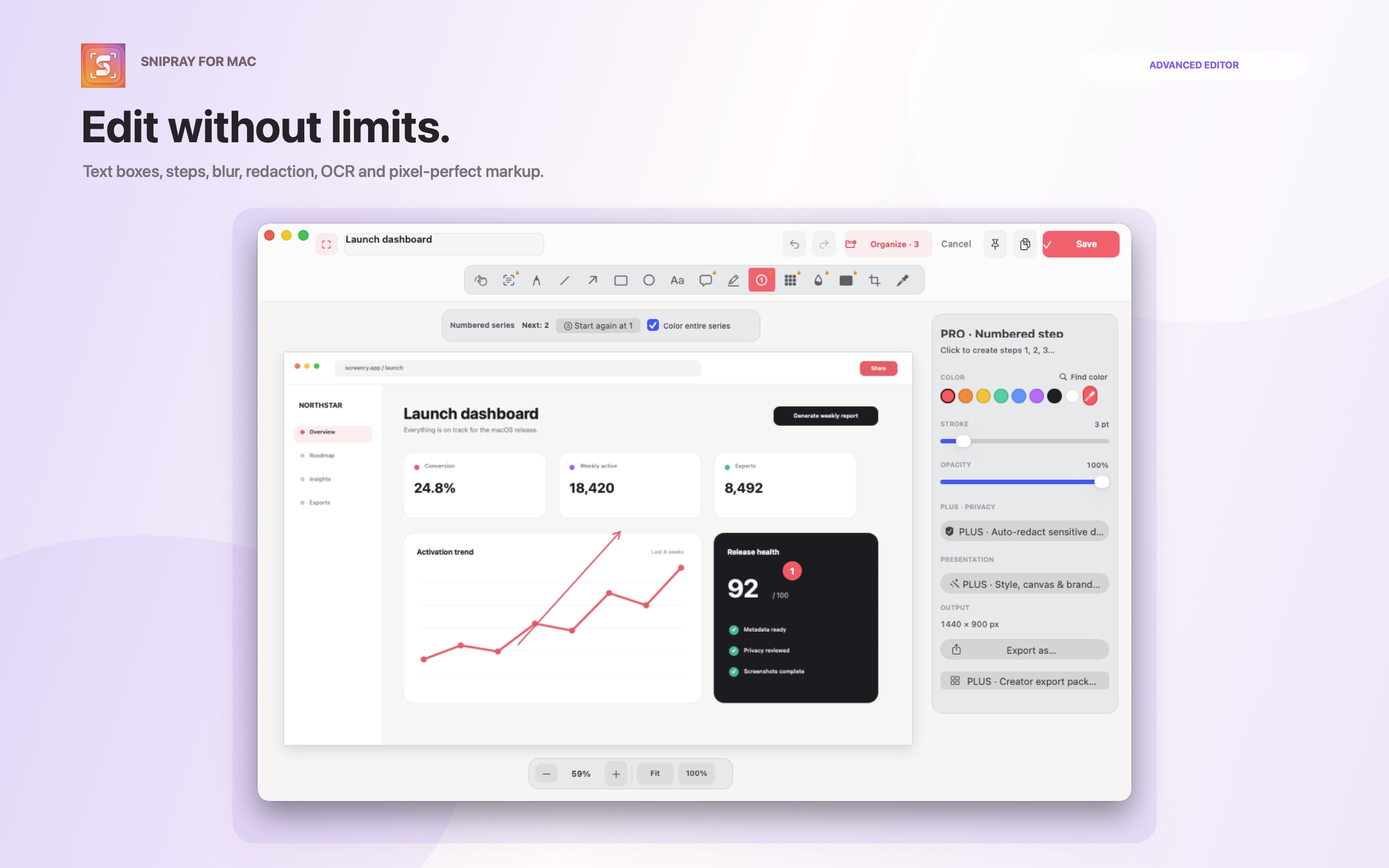
Text, arrows, blur, pixelation, redaction, steps and a color picker.
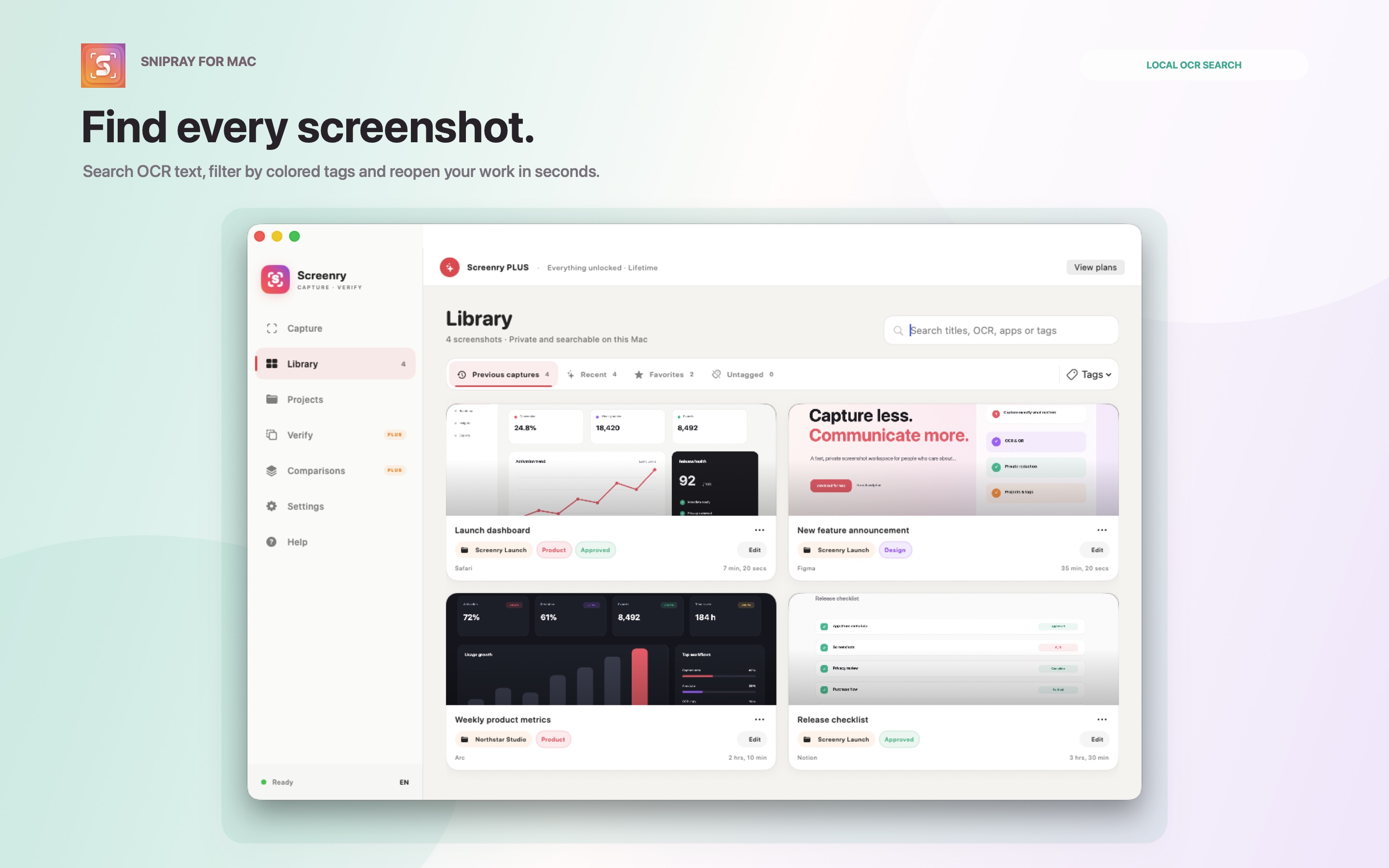
On-device OCR, QR detection, projects, tags and titles keep your work close.
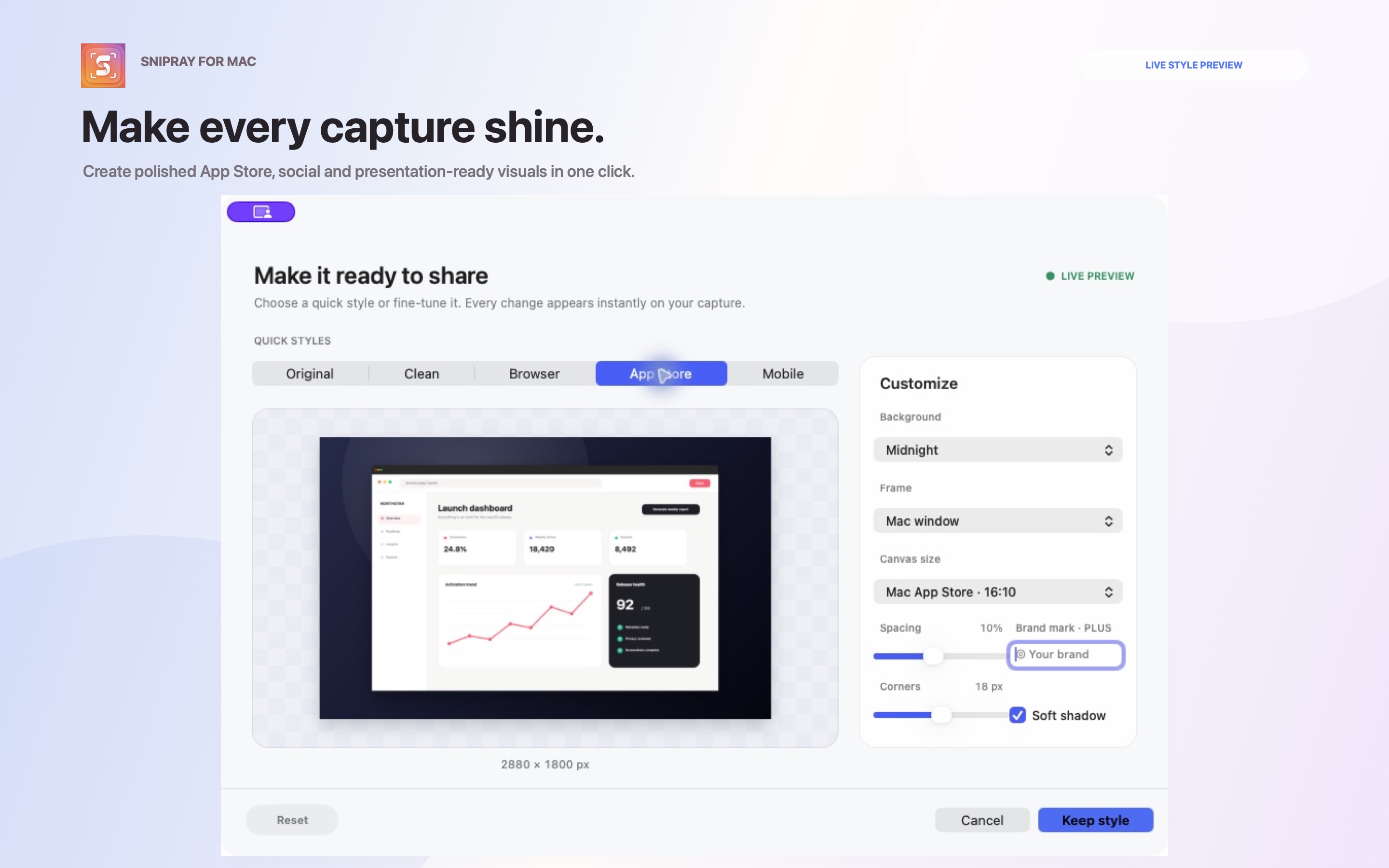
Safe Share, Verify comparisons and polished presentation exports.
Annotate directly on your image with tools that feel at home on your Mac. Every capture stays editable until you are ready to share.
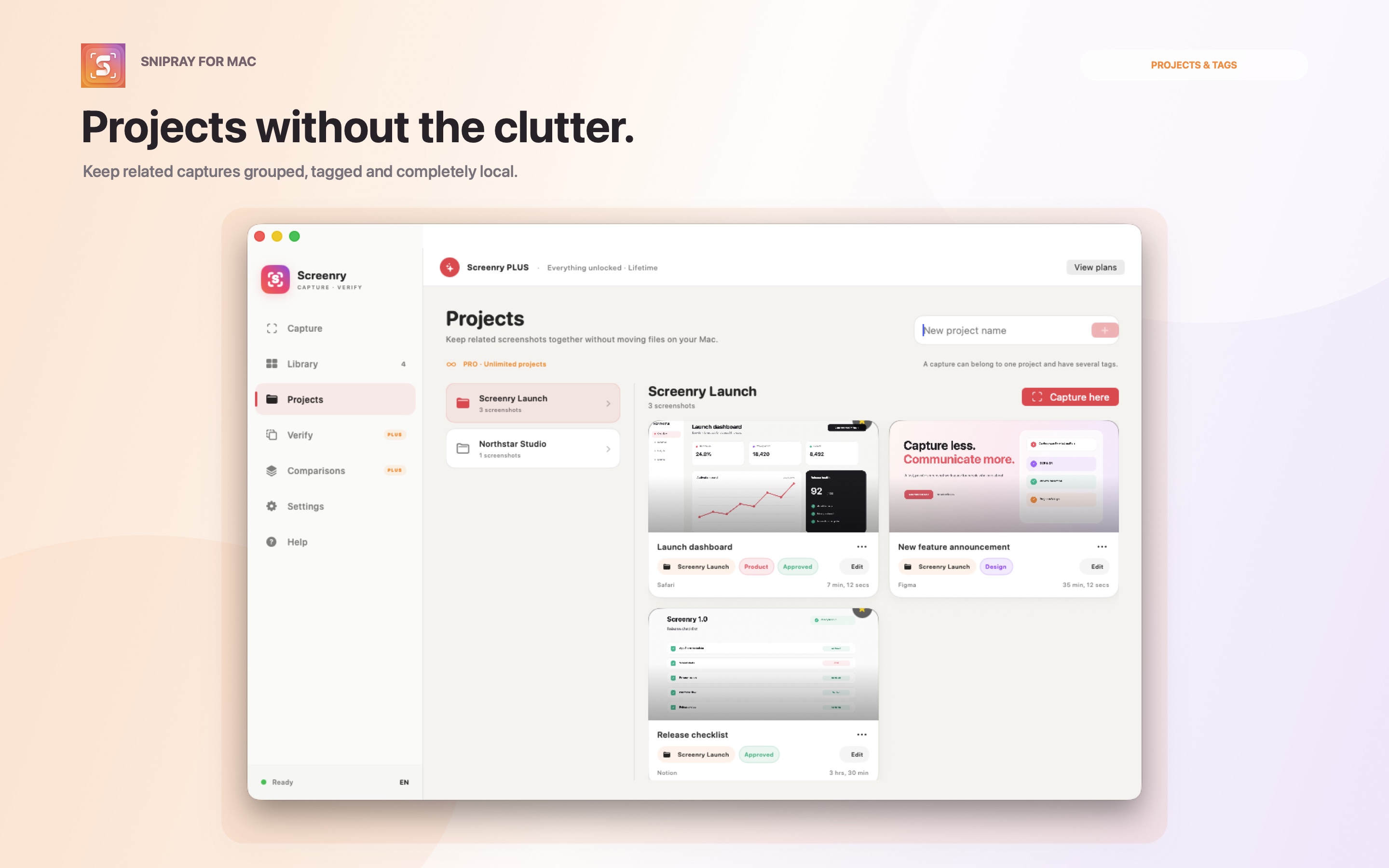
Snipray has no account, no cloud library and no advertising. Your captures, OCR and projects live on your Mac unless you choose to share them.
Read the privacy policy →Free essentials. Optional PRO and PLUS lifetime upgrades. No subscription.